
free · open source · yours to run

A small place for your friends to hang out.

One friend runs a server. Everyone else installs the app and joins with an invite. Text and voice rooms, DMs, shared photos, and a buddy list that shows who's around.

No company in the middle, and nothing to sell you.

Version 0.4.9 · Windows, Linux and Android

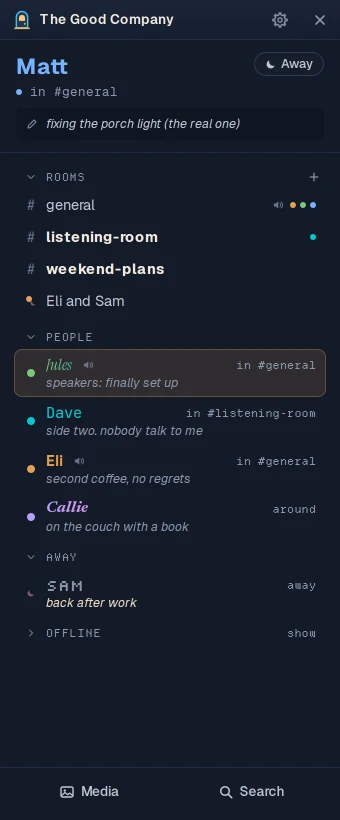
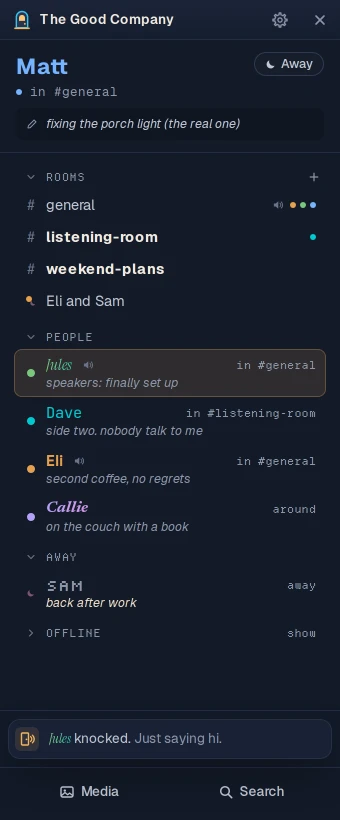
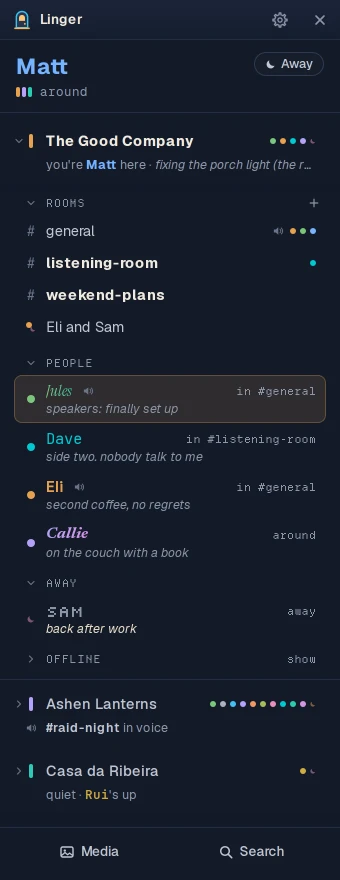
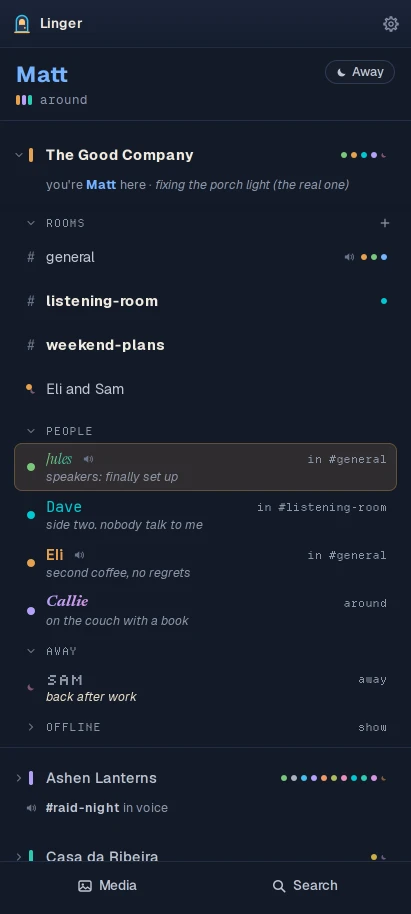
Linger's buddy list for a server called The Good Company: you at the top with your status, then the rooms, then everyone on the server with their statuses and which room they're in.

How it works

Your account lives on your friend's server, not with a company. No email, no phone number.

  1. 01

    A friend runs a server

    One person in the group runs Linger's server, on a small rented server or a computer at home. They're the host.

  2. 02

    You install the app

    On Windows, Linux or an Android phone. It's free, and there's nothing to buy later.

  3. 03

    You open their invite

    The host sends you an invite link. Paste it into the app, pick a name and a password, and you're in.

A look around

The real app, with pretend friends. Click around.

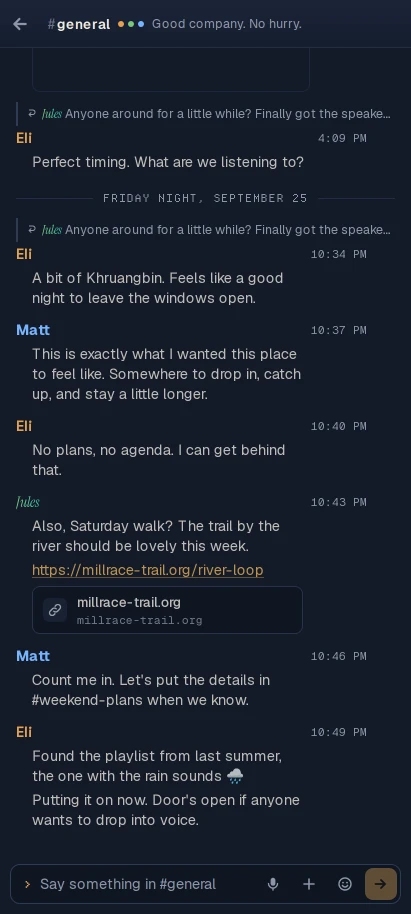
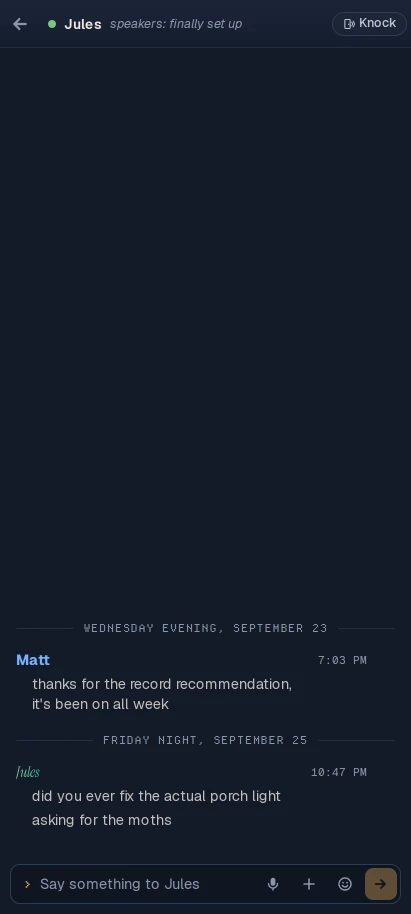
The buddy list with the #general room open beside it: a conversation between friends, and two of them talking in the room's voice.
Rooms keep the whole conversation, and open beside the list. A room with something new gets a bolder name. There are no unread counts, anywhere. Every emoji is there, Discord's :shortcodes: work, and the host can add the server's own.

Watch it

Fifty seconds, with music made for it. It was recorded on version 0.4.5, so a few things have moved since.

What it won't do

No unread counts. No streaks. No red dots. Nothing that turns your friends into a to-do list.

  • No paid tier, no store

    Nothing is held back to sell to you later. There is nothing to buy.

  • No telemetry

    Not opt-in, not anonymous, no crash reports. The app only talks to GitHub, to check for updates.

  • No algorithm

    Nothing decides what you see or reorders your friends to keep you scrolling.

  • No @everyone

    Nobody can ping the whole server at once.

  • No watching

    Linger never looks at which apps you have open. If you want people to know what you're up to, put it in your status.

  • No platform

    No federation, no directory of servers, no account that spans them. Each server is its own small place.

The honest part

The person running the server can read everything on it.

Messages, files and voice all pass through the host's server. There's no end-to-end encryption. Traffic is encrypted on its way there, but the files and the database sit unencrypted on the host's disk.

So run your own server, or trust the person who runs yours. If you need protection from your host, use Signal.

What is promised

  • No telemetry, analytics or crash reporting. Not even opt-in.
  • The location and camera details (EXIF) stripped from every photo.
  • No code that could read a window title or what you have open.
  • Anyone can export the public rooms and their own DMs, with files, without asking the host.
  • The whole server is one program, one database file and a folder of uploads. Back it up, move it, or walk away with all of it.

Download

Linger 0.4.9

Released October 7, 2026. What's new. You'll need an invite link from your host, and the user guide walks through each step.

Windows

Download for Windows

Linger_0.4.9_x64-setup.exe · 7 MB

Windows will warn you ("Windows protected your PC"). Choose More info, then Run anyway. The installer isn't code-signed yet; that's a choice for now, not a broken download. Updates are signed, and the app checks the signature before installing one.

Or the .msi installer (10 MB).

Linux

Omarchy or Arch

One line adds Linger's repository, so updates come with your system:

curl -fsSL https://raw.githubusercontent.com/itsMattGuenther/Linger/main/packaging/arch/setup.sh | bash
Ubuntu, Debian, Mint
The .deb package (14 MB), then:
sudo apt install ~/Downloads/Linger_0.4.9_amd64.deb
Fedora, openSUSE
The .rpm package (14 MB), then (or zypper install it):
sudo dnf install ~/Downloads/Linger-0.4.9-1.x86_64.rpm
Any other Linux
The AppImage (104 MB). Make it runnable, then open it:
chmod +x ~/Downloads/Linger_0.4.9_amd64.AppImage

Android

Download for Android

Linger_0.4.9_android-arm64.apk · 20 MB

Download it on the phone and open it. Android asks you to allow installs from your browser the first time. It isn't in the Play Store yet.

Mac and iPhone

Not yet. There's no Mac or iPhone download. On a Mac, Linger builds from source for now; the development guide has the steps.

Run a server

One person hosts. Here's what that takes.

  • A computer that stays on. A small rented server (a VPS) or a machine at home. Intel or AMD for now, so not a Raspberry Pi.
  • Docker on that computer. It runs the server and the bits around it.
  • A domain name, with two addresses pointing at the computer.

Then one script. It asks for your server's name, checks it points at the computer, and prints a setup link to paste into the app, which makes you the host. Updating later is one more command, and it backs up the database first.

~/linger
# fetch the setup script and run it
$ curl -fLO …/deploy/setup.sh
$ bash setup.sh
  … asks for your server's name
  … prints a one-time setup link

# later, when there's a new version
$ ./update.sh

To linger is to stay somewhere with no agenda and no obligation to be doing anything.